Multiplayer RPG Maker Plugin: How to Add Online Play to MZ
The quickest way to add multiplayer to an RPG Maker MZ game is to start from a plugin built for the job, not to wire up networking yourself. Our RPG Maker MZ Multiplayer Integration Plugin is made for that: it brings multiplayer into an MZ project through the same plugin system you already use for everything else. The rest of this guide covers what multiplayer means in RPG Maker, how to set it up step by step, and what to design before you invite a second player.
TL;DR
- RPG Maker MV and MZ run on JavaScript and plugins, so networked play is added as a plugin rather than a built-in feature.
- Decide your scope first: local co-op, a small room of friends, or a persistent online world. Each needs a different amount of work.
- Plan how your game shares maps, events, battles and saves before you install anything.
- Keep your editor updated and never load save files from strangers, because a published vulnerability involves crafted save files.
- Our Multiplayer Integration Plugin is the place to start for MZ projects.
Table of Contents
- What multiplayer means in RPG Maker
- Decide what your game actually shares
- How to add multiplayer to an RPG Maker MZ project
- Keep the project secure
- What a good multiplayer plugin should let you do
- Polish that makes multiplayer feel finished
- Common mistakes to avoid
- Our perspective
- Start with the plugin built for MZ
- FAQ
- Sources
What multiplayer means in RPG Maker
RPG Maker was designed as a single-player engine: one party, one save file, one player running the events. “Multiplayer” can mean three quite different things, and picking the right one is the most important decision you will make.
Local co-op. Two or more people share one screen or keyboard. This needs input handling, not networking.
Small online rooms. A few players join the same map over the internet, see each other move and perhaps trade or chat. This is the realistic target for most indie projects.
Persistent online worlds. Many players, a server that stays up, accounts, shared progress. This is the hardest option, and it is a long-term operations project as much as a game design one.
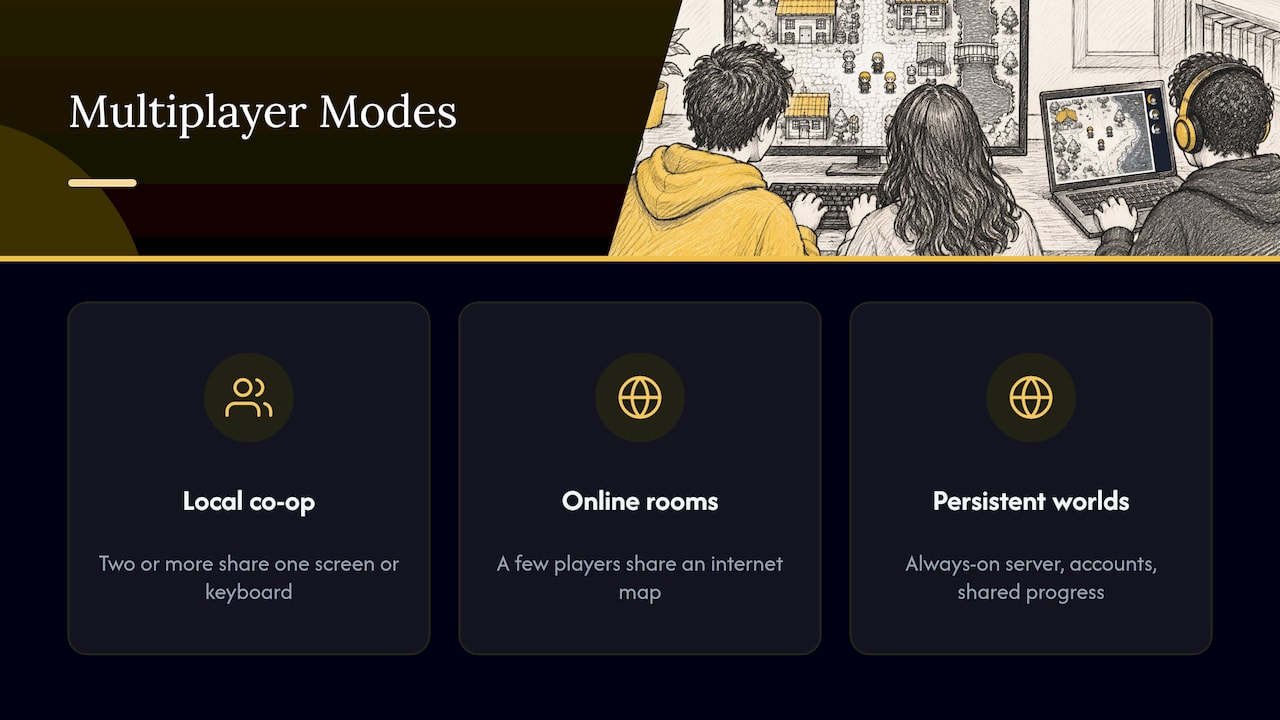
Most developers asking for a multiplayer plugin want the middle option. It adds the most to a game, such as cooperative dungeons, shared towns or a hangout map, without the burden of running a live service.
Which editions can do it
RPG Maker MV, released by Degica on October 23, 2015, was the first in the series to use JavaScript and add plugin support. MZ keeps the same plugin-based JavaScript design. That is what makes networked play possible at all: JavaScript can talk to the internet, and plugins can change how the engine behaves. Older editions such as XP, VX and VX Ace use a different scripting language and are a poorer fit for this.
If you are choosing an edition for a multiplayer project, MZ is the natural pick. Its plugin command system uses plugin-defined lists of commands and arguments instead of typed text, which makes it easier to build multiplayer events in the editor without typos.
Decide what your game actually shares
Before choosing any plugin, write down answers to these questions. They shape your whole design, and fixing them later means reworking events.
| Question | What to decide |
|---|---|
| Who sees whom? | Do players appear on each other’s maps at all times, or only inside certain rooms or dungeons? |
| Who owns events? | If one player opens a chest, is it open for everyone or only for them? |
| How do battles work? | Does each player fight their own encounters, or do players join the same battle? |
| What is saved? | Does each player keep a personal save file, or does the world have shared state? |
| How do players find each other? | Room codes, a lobby, friend invites? |
The fastest path to a finished game is to make most of these answers “each player has their own” and share as little as possible. A shared map where players see each other walk is far simpler than a shared battle system. Start small and expand.
Shared maps and events
A map shared between players is mostly about position: where each person stands and which way they face. Events are trickier. A normal RPG Maker event runs on the local machine. If two players trigger the same switch, you have to decide whose version of the world is right. A reliable habit is to separate events into two groups: personal events (quests, inventory, dialogue progress) that stay local, and world events (doors, lever puzzles, shared bosses) that you deliberately tie to the multiplayer layer.
Battles
The default battle system assumes one party. For online play the common approach is to keep battles personal and let players meet on the map, or to run co-op through a party system where the battle belongs to one host. Either way, test with two real devices early. Timing issues that never show on one computer appear quickly on two.
Saves
Player saves are the other tricky area. In a single-player game the save file is the truth. With multiple players, think about whether progress is personal (each player carries their own file) or shared (a host’s file defines the world). Personal progress is the simplest model and is the one we suggest for a first release.
How to add multiplayer to an RPG Maker MZ project
The routine below works for most plugin-based setups. At each step we note what typically goes wrong and what our plugin takes off your hands.
Step 1: Work in a copy of your project
Multiplayer touches maps, events and sometimes core engine behavior. Duplicate the project folder before you begin so you can always return to a working single-player build. Name the copy clearly.
What goes wrong: developers add a plugin to their only copy, hit a conflict, and cannot tell which change caused it.
Step 2: Check plugin compatibility
MV and MZ both use plugins, but the Fandom wiki notes that old MV plugins are most likely incompatible with MZ. If your project already has a long plugin list, list each plugin and what it modifies. Plugins that rewrite movement, the map scene or the save system are the most likely to clash with anything networked.
If you have older MV plugins you love, our MV-2-MZ Migrator is built to run and convert MV plugins in RPG Maker MZ, so you can keep them in an MZ multiplayer project. And if you work the other way round, the MZ-2-MV Migrator converts MZ plugins for MV.
Step 3: Install the multiplayer plugin
In MZ, plugins live in the project’s js/plugins folder and are switched on in the Plugin Manager (Tools, then Plugin Manager). Copy in the plugin file, open the Plugin Manager, add it, set its parameters and put it in a sensible position in the list.
What goes wrong: the file name and the Plugin Manager entry must match exactly, and load order matters when several plugins touch the same part of the engine.
This is the step where a purpose-built plugin saves the most effort. Our RPG Maker MZ Multiplayer Integration Plugin is made to integrate multiplayer into MZ through that standard plugin workflow, so you are configuring parameters inside the editor you already know.
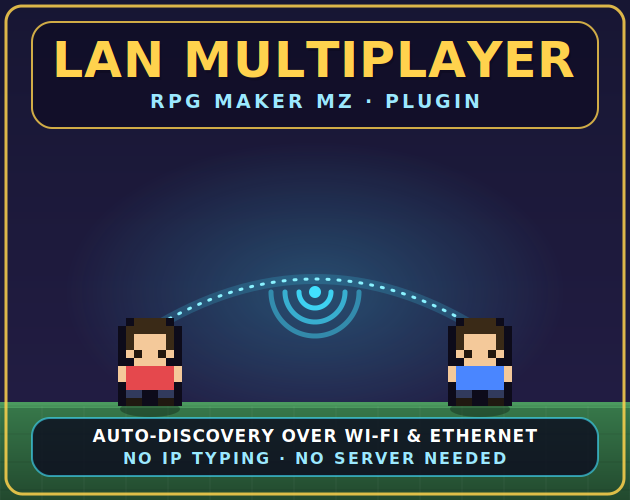
Step 4: Configure how players connect
Every multiplayer setup needs some way for players to reach each other. Depending on the design, that could be a shared server, a hosted database that relays updates, or direct peer-to-peer links. Community discussions describe all of these approaches: free web hosting for a server, peer-to-peer JavaScript libraries for small projects, or a dedicated server connected through websockets.
The difference in effort is large. A hand-built server stack typically means installing a runtime and database, running the server, and pointing a registration page at your domain and port. One community repack of an older MMO project, for example, lists NodeJS 16+, RethinkDB, an npm install and editing a line in register.html before a single player can join. That is a fair amount of administration for a developer who wants to make a game, not run servers.
For a small game, a plugin that handles the integration layer inside the editor keeps the work where you want it: in maps, events and design.
Step 5: Build one shared test map
Do not convert your whole game. Make a single empty map, place the plugin’s player-related features on it, and get two instances of the game to see each other. Confirm that movement looks right, that a player leaving does not leave a ghost behind, and that two players cannot stand in the same impossible spot.
Step 6: Add events in layers
Once the test map works, add features one at a time: a shared door, then a chest, then a simple cooperative puzzle. Test after each addition. When something breaks, you will know exactly which change caused it.
Step 7: Test on separate machines
Playtesting on one computer hides latency and desync problems. Use a friend’s machine, a second laptop or a different network. Many developers also add a short written test plan: join, move, open a shared door, disconnect, rejoin.
Step 8: Prepare to ship
Before release, decide where multiplayer lives for your players. A desktop build, a browser build and a mobile build do not behave the same way, so test the platform you intend to publish on. Remember that you must also account for whoever runs the connecting service, whether that is you or a third-party host, for as long as the game is online.
Keep the project secure
Two habits matter more than any other for a networked game.
First, keep your editor up to date. The U.S. National Vulnerability Database lists CVE-2026-56137, an OS command injection issue in which loading a specially crafted save file in RPG Maker MV 1.6.3 or earlier, or MZ 1.10.0 or earlier, may execute arbitrary commands. Check your editor version in the Help menu and update if you are on one of those releases.
Second, because multiplayer encourages players to share things, treat any save file or project that arrives from an unknown source as untrusted. Do not open it on a machine that holds your work. Build your game so that a player’s save is only ever read from their own device.
What a good multiplayer plugin should let you do
When you compare options, measure them against your own scope, not against a feature list.
| Your goal | What you need |
|---|---|
| Friends walking around a shared map | Player position sync, a way to join the same room |
| Cooperative puzzles | Shared switches and events you control |
| Voice or proximity talk in a horror or social game | A proximity chat layer on top of multiplayer |
| Many players, long-term world | A server you run, plus ongoing upkeep |
For the proximity chat case, our Hush proximity chat plugin for RPG Maker MZ is listed on our site as best for horror games and multiplayer. Players hear each other based on how close they are, which suits hide-and-seek, survival and social maps.
Polish that makes multiplayer feel finished
Networking gets players into the same space. Presentation is what makes them stay.
- HUD and character screens. Multiple players means more information on screen. RivetForge UI is a drag-and-drop HUD and character screen for MZ.
- Things to do together. Shared minigames give players a reason to gather. Browse our Minigames category for plugins that can serve as group activities.
- Sound. A shared hub town feels lifeless without music and effects. Our browser-based audio generators create original tracks and sound effects directly in the browser, with no installation.
- Art. Multiple players on a map also need varied visuals. The Tilesets & Art category covers tilesets, sprites and backgrounds.
Common mistakes to avoid
Starting with the biggest idea. Many ambitious online RPG projects stall. A forum discussion on feasibility notes that MMO attempts have been made repeatedly in the RPG Maker community and that the heavy work comes after the engine is online. A small room-based game is a project you can actually finish.
Sharing everything. Every shared element is something you must keep in sync. Share only what the game needs.
Testing late. Add a second player to your build in the first week, not the last.
Mixing too many plugins at once. Add one new plugin, test, then add the next.
Our perspective
We build tools for RPG Maker developers, and the pattern we see in this topic is simple: the games that get finished are the ones that keep their scope honest.
Multiplayer feels like a big technical leap, but for most indie projects it is really a design choice. Decide what your players share, keep everything else personal, and let a plugin handle the connection layer so you can spend your time on maps, events and story.
That is why we offer multiplayer as a plugin that fits the MZ workflow, and why our catalog around it covers the rest of the job: proximity chat, UI, minigames, music and art. Many of our tools are free, others are sold individually or in bundles, and all of them are designed for RPG Maker MZ and MV developers who want to ship.
Brandon
Start with the plugin built for MZ
If your project is on MZ, begin with the RPG Maker MZ Multiplayer Integration Plugin. Add it to a copy of your project, build one shared test map and grow from there.
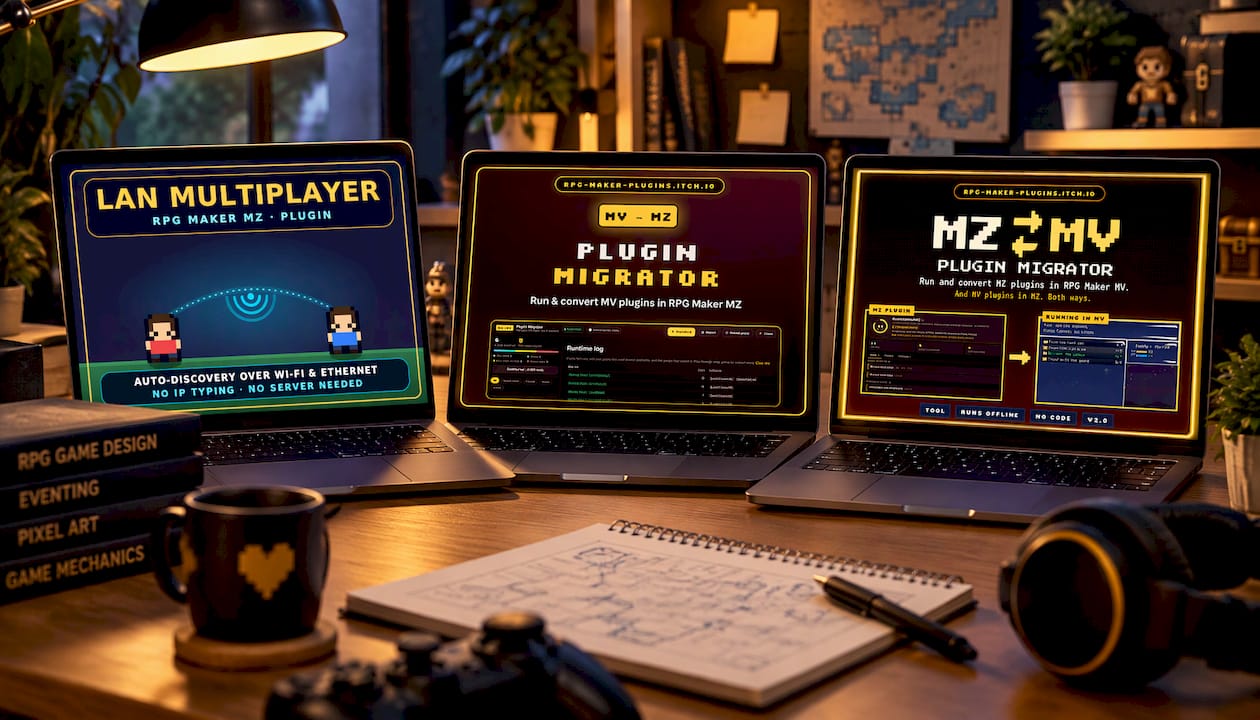
If you expect to use many tools across several projects, the Lifetime Supporter Pass covers every plugin, tool, music generator and asset on the site, forever. You can also browse the full Plugins category and Dev Tools for the rest of your multiplayer toolkit.
FAQ
Can RPG Maker MZ do multiplayer without plugins?
No. The engine is built around a single party and a single save file, so online play comes from plugins that add the networking layer. Because MZ uses JavaScript plugins, that is a normal way to extend it.
Do I need to run my own server?
It depends on the approach. Some setups need a server you install and maintain, while others use hosted services or direct connections for small groups. For a small room-based game, choose a plugin that handles the integration so you do not have to build a server stack from scratch.
Will my older MV plugins work in an MZ multiplayer game?
Often not directly, since old MV plugins are most likely incompatible with MZ. The MV-2-MZ Migrator is designed to run and convert MV plugins in MZ.
What is the easiest kind of multiplayer to start with?
Players sharing a map with their own personal progress. You sync positions and a few world events, and leave quests, inventory and saves local. Once that works, add shared puzzles or co-op features one at a time.
Is it safe to share project files with other developers?
Share them only with people you trust, and keep your editor current. A published vulnerability covers crafted save files in older MV and MZ versions, so do not open save files from unknown sources.
Sources
- RPG Maker (series), Wikipedia
- RPG Maker MZ, RPG Maker Fandom wiki
- Multiplayer support? RPG Maker MZ General Discussions, Steam Community
- MMORPGMaker-MV repack setup notes
- Is creating an RPG Maker that allows multiplayer feasible? RPG Maker Forum
- CVE-2026-56137, National Vulnerability Database
Recommended
- RPG Maker MZ – Multiplayer Integration Plugin
- MZ-2-MV Migrator | MZ Plugin Converter
- Hush- Proximity Chat Plugin – RPG Maker MZ (Best for horror games/multiplayer)
- MZ Companion – Create Entire Games In Hours Not Years
Disclaimer: This article is for informational purposes only. The author is not affiliated with the creators of RPG Maker or the plugins discussed. All plugin names, trademarks, and links belong to their respective owners. The author may include links to external projects or repositories. Readers should review each project’s license and documentation before downloading or using any plugin.