How to Find Game Assets You Can Actually Ship With
The fastest way to find game assets for an RPG Maker project is to start at a catalog built for RPG Maker MZ and MV, then check the license on every file before it goes into your build. Generic asset hubs hold millions of files, but most are sized, formatted or licensed for other engines. A catalog made for your engine saves the hours you would spend resizing, converting and second-guessing. That is why we built RPG Maker Market around tilesets, character sprites, plugins, minigames and browser-based music and sound effect generators for MZ and MV.
This guide covers where assets live, how to match them to your engine, how to read a license without a law degree, and how to keep a game looking and sounding like one game.
TL;DR
- Start with sources made for your engine. For RPG Maker MZ and MV that means tilesets, sprites, plugins and audio that already fit the editor’s formats and grid.
- Check the license on each asset, not on the site. Commercial use, attribution and editing rights can differ file by file.
- Keep a simple log: asset name, source URL, license text, date downloaded. It takes a minute per asset and protects your release.
- Pick one visual style early and buy or generate everything around it. Consistency matters more than any single pretty tileset.
- Many of our plugins and tools are free, so you can build a working foundation before spending anything.
Table of Contents
- What counts as a game asset, and what you need for RPG Maker
- Where to look, in the order that saves you time
- Check the license before you fall in love with the asset
- Finding music and sound effects for RPG Maker
- Choosing between free, paid and custom
- Keep the style consistent
- A short workflow you can follow today
- Promo: build your RPG Maker toolkit in one place
- Our perspective
- FAQ
- Sources
What counts as a game asset, and what you need for RPG Maker
An asset is any file or tool your game uses that you did not write from scratch. In an RPG Maker project that usually means five groups:
- Tilesets and map art: the squares you paint maps with, interior and exterior.
- Character and battler sprites: walking sheets, faces, enemies.
- Backgrounds and parallaxes: battle backdrops and far-away scenery layers.
- Audio: music loops, jingles and sound effects.
- Plugins and tools: scripts that add systems, minigames or workflow shortcuts.
The first thing to know is that RPG Maker is picky. Tilesets follow a grid and a sheet layout, sprite sheets follow a frame arrangement, and plugins target either MZ or MV. A gorgeous 3D model pack or a Unity-ready bundle does nothing for you. Engine fit is the first filter, and it removes most of the internet from your search.
Where to look, in the order that saves you time
1. Catalogs made for RPG Maker
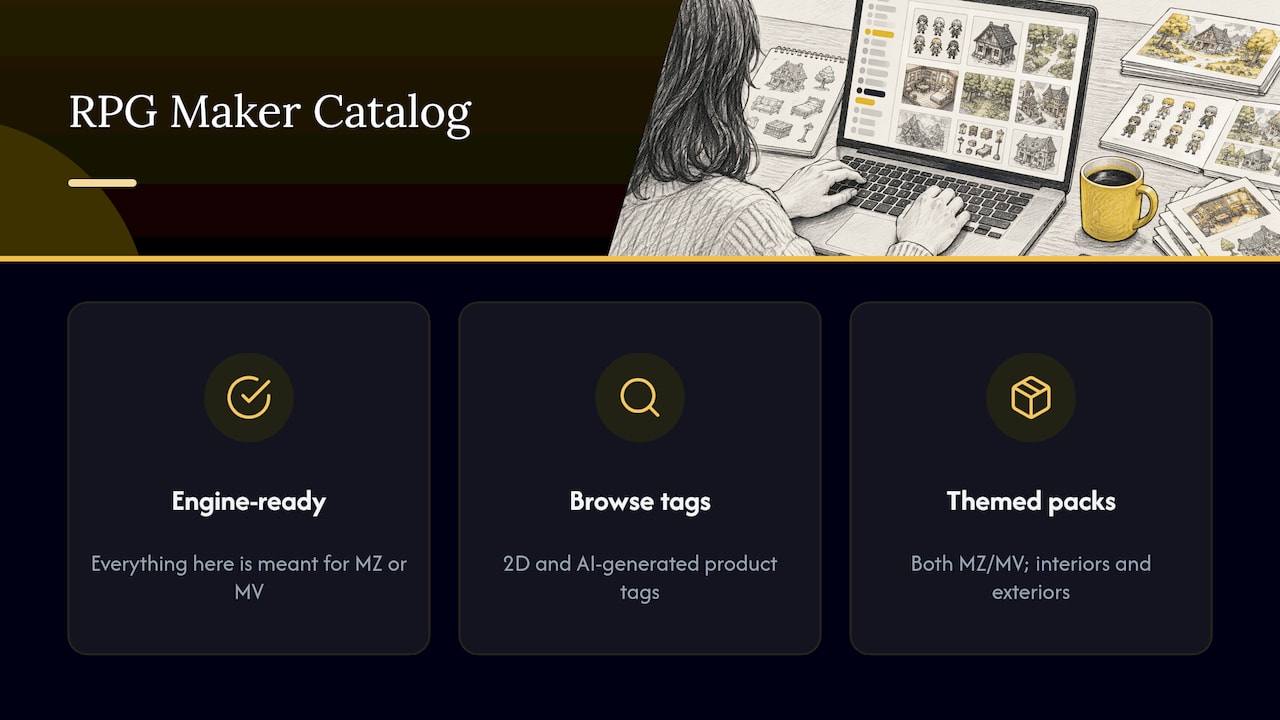
This is where we recommend you begin. Everything here is meant for MZ or MV, so you spend your time choosing, not converting. Our Tilesets & Art category holds tilesets, sprite packs and background packs, and the Plugins, Minigames and Dev Tools categories cover the code side. If you only want to start without spending, the Free archive collects what costs nothing.
If you want to browse by look rather than by category, the 2D tag and the AI-generated tag group products by how they were made, which helps when you have a firm stance on either.
For concrete examples of themed, engine-ready art, see the Samurai Fortress Asset Pack and the Revolutionary Battlefield & Plantations Asset Pack. Both are labeled for MZ and MV and cover interiors and exteriors, which means one pack can dress a whole region of your map instead of leaving you to hunt for matching indoor pieces.
2. General marketplaces and storefronts
Broad marketplaces host pixel art, sprites, characters, tile sets, icons, textures and backgrounds, often with filters for price, style and format. Creative Bloq’s 2025 roundup notes that one popular indie storefront hosts exactly this kind of 2D material alongside games, books and music. These sites are huge, which is both the appeal and the problem: you will wade through art for every engine and every art direction. They suit developers who already know the exact style they want.
3. Engine-store ecosystems
Big engine stores are built around their own engines. According to Creative Bloq, Epic’s Fab store offers limited-time free asset drops that rotate every couple of weeks, and everything on it is licensed under the Epic Content License Agreement. That is useful for 3D work, but a 3D model does not drop into an RPG Maker map. Treat these as a different toolbox.
4. Open-license repositories
Some community repositories gather work under Creative Commons and similar licenses. PlayCanvas’s developer documentation lists several third-party libraries by what they hold: 2D art, 3D art and audio. They can be a treasure, but quality and rules vary from file to file, which brings us to the part that trips up most developers.
Check the license before you fall in love with the asset
A beautiful tileset you cannot legally sell is worth nothing to a commercial game. Here is the practical version of what you need to know.
Copyright exists by default. Work is protected the moment it is created, so “it was online” is never permission. The U.S. Copyright Office’s Circular 16A advises that when you want to use someone else’s material, you research its status through copyright notices and Copyright Office records, then contact the current owner with the exact material, your intended use, your audience and whether you will sell the result.
Attribution is a license term, not a legal default. Penn State’s copyright guidance points out that U.S. law does not itself require attribution, but a permission or license may. For Creative Commons work, it recommends crediting the title, author, source and license.
Learn the four license labels you will meet most. Berkeley’s media-assets tutorial defines them:
| License | Commercial use | Edits and remixes | What you owe |
|---|---|---|---|
| CC BY | Yes | Yes | Credit the creator |
| CC BY-SA | Yes | Yes | Credit, and share your derivative under the same license |
| CC BY-NC-ND | No | No | Not usable in a game you sell |
| Public domain (CC0) | Yes | Yes | Nothing required |
The row that costs developers money is the third. A Non-Commercial track or tileset can sit on a site that is otherwise generous, and it cannot ship in a paid game.
A five-minute license habit
- Open the asset’s own page, not the site’s general terms.
- Copy the license name and the URL into a spreadsheet next to the file name.
- Note whether credit is required and where you will put it (credits screen, store page or readme).
- Re-check if you update the asset later, since licenses can change.
- Keep the log with your project files, so it travels with your build.
Music deserves extra care because rights can be layered: a composition, a recording and sometimes a sample library. We wrote a separate page on game music licensing that walks through what you need before you ship.
Finding music and sound effects for RPG Maker
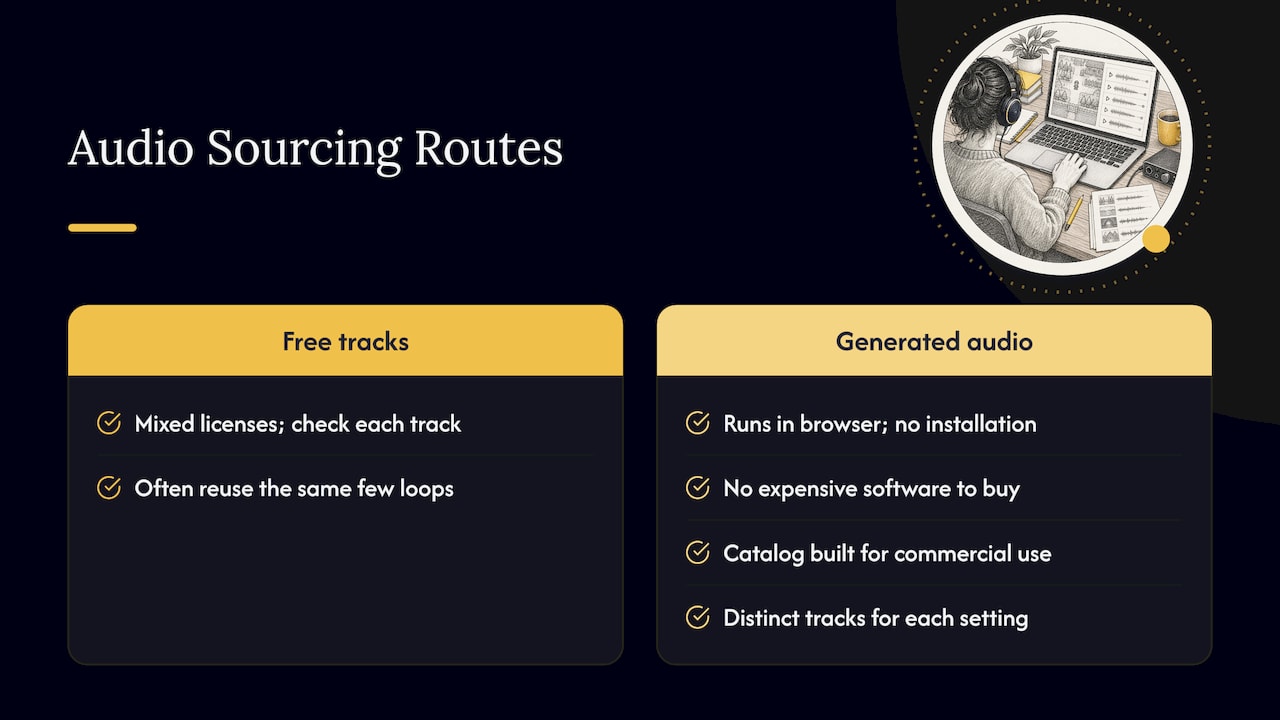
Audio is where small projects most often sound unfinished. Developers reuse the same handful of loops, or lift tracks without checking rights. The usual search for free music leads to tracks with mixed licenses, and each one needs the check above.
There is another route: generate the audio. Our Audio Generators run in your browser, so you can produce original tracks and sound effects without buying expensive software or installing anything. The point is variety: a forest, a town, a dungeon and a boss fight can each get their own track instead of sharing one loop. Our catalog is built with commercial-use licensing in mind, so you are not left decoding a different license for every track.
For sound effects, think in sets. A menu needs a cursor, confirm, cancel and error sound. Combat needs hit, miss, heal and critical. Gathering those from five different sources means five licenses and five volume levels. Generating or sourcing them together keeps loudness and tone matched.
Whatever route you choose, check file format before importing. RPG Maker’s editor expects specific audio formats and folder locations, so confirm in the editor’s own documentation which formats your version accepts, and keep loops seamless by testing them in a map before you commit.
Choosing between free, paid and custom
The real question is rarely free versus paid. It is what your time is worth against what the asset costs. A 2026 analysis from Spawn Icon puts commissioned work in the range of $50 to $200 for a comprehensive icon pack and $100 to $500 or more for a character sprite sheet. Custom art costs real money and weeks of lead time, which is why most solo developers mix sources.
A sensible split for a small RPG Maker project:
- Free: plugins and utilities to prove your mechanics. We keep many of our plugins free so you can test systems before you commit.
- Paid packs: the art that defines your world, bought once and used across every map.
- Generated audio: unique tracks and effects without a licensing hunt.
- Custom: reserved for the hero, the logo and anything players will remember.
If you expect to use many tools over several projects, our Lifetime Supporter Pass covers every RPG Maker plugin, tool, music and asset item we offer, forever. It replaces the habit of buying one pack per project.
Keep the style consistent
Mixing sources is where games start to look like a collage. Before you download anything, settle these three things:
- Resolution and grid. Decide your tile size and sprite scale first, and refuse anything that does not match.
- Palette and line weight. Place two candidate assets side by side on a test map. If one looks outlined and the other painted, one has to go.
- Lighting direction. Shadows falling in different directions are the quickest giveaway of stitched-together art.
Packs sold as a set solve most of this for you. The HD-2D Parallax & Background Pack offers 36 scenes for RPG Maker MZ in one visual language, which beats sourcing 36 backdrops one by one. If you want to build your own map art to a consistent standard, Tileforge is a tileset builder created by a developer who got tired of buying asset packs. And if you are making a horror game, Found Footage is built to turn an RPG into one.
A short workflow you can follow today
- Write a one-page asset list. Maps, characters, enemies, UI, music, effects. Mark what you have and what is missing.
- Pick the engine version. MZ and MV assets are not always interchangeable. Look for the label on the product page.
- Choose a visual anchor. One tileset and one sprite style that everything else must match.
- Source in batches. Gather art from one place, audio from another, and test them together on one map.
- Log licenses as you go. Do it at download time, not at release time.
- Put credits in the build. If any asset needs attribution, add it to your credits screen and your store page.
- Re-audit before launch. Open the log and confirm nothing is Non-Commercial.
Promo: build your RPG Maker toolkit in one place
If you are making a game in RPG Maker MZ or MV, the shortest path from idea to playable build is one catalog that covers art, audio and code. We publish new items weekly, with commercial-use licensing in mind and a large free selection to start from. Browse the full catalog or go straight to Tilesets & Art.

The Lifetime Supporter Pass is there if you would rather unlock every tool, music item and asset at once and stop shopping per project.
Our perspective
Most advice about finding assets sends you to the biggest list possible. We think that is backwards for RPG Maker developers. More choices mean more files that do not fit your grid, your engine version or your license needs, and every mismatch costs an evening.
We started RPG Maker Market because limited music and limited programming resources are the two things that stall small projects. That is why we built audio generators that run in the browser: you get original tracks and effects without expensive software or installs. And it is why so many of our plugins are free. A developer who can try a system today is a developer who finishes a game.
Our advice is simple. Pick the engine-ready catalog first, anchor your style early, and keep a license log from day one. Do that and finding assets stops being a hunt and becomes a decision.
Brandon
FAQ
Where can I find free game assets for RPG Maker?
Begin with our Free archive, which collects free plugins, tools and assets made for RPG Maker. Free items are the best way to test a system or a look before you commit to a paid pack. Whatever you download, record the license in your log.
Can I use downloaded assets in a game I sell?
Only if the asset’s own license allows commercial use. Creative Commons terms differ: CC BY allows it with credit, while Non-Commercial variants do not, as Berkeley’s tutorial explains. Read the license on the asset page and save a copy.
Do I have to credit the creator?
U.S. law does not require attribution by default, but a license often does, according to Penn State’s guidance. When credit is required, list the title, author, source and license in your credits screen or store page.
How do I get original music without composing it?
You can generate it. Our Audio Generators create original tracks and sound effects in your browser, with no installation. That gives each area of your game its own sound without a separate license hunt for every track.
Are assets for RPG Maker MV and MZ interchangeable?
Not always. Plugins in particular target one engine version, and art sheets can differ in layout. Check the product page for MZ, MV or both labels, as with our packs that are marked for MZ and MV.
Sources
- Third-party Asset Sites, PlayCanvas Developer Site
- The 6 best places to get free video game assets, Creative Bloq
- Circular 16A: How to Obtain Permission, U.S. Copyright Office
- Permission and Licenses, Penn State copyright guidance
- How to Find and Use Media Assets (Legally), Berkeley
- Free vs Paid Game Development Resources: ROI Analysis, Spawn Icon
Recommended
- Game Music Licensing: What You Need Before You Ship
- What Kind Of Assets Do People Want? (MZ)
- I got tired of buying Asset Packs (Tileforge)
Disclaimer: This article is for informational purposes only. The author is not affiliated with the creators of RPG Maker or the plugins discussed. All plugin names, trademarks, and links belong to their respective owners. The author may include links to external projects or repositories. Readers should review each project’s license and documentation before downloading or using any plugin.