Project Doctor — Free Health Check for RPG Maker MZ
$0.00
Find missing files, broken transfers, plugin-order mistakes & soft-locks before your players do.
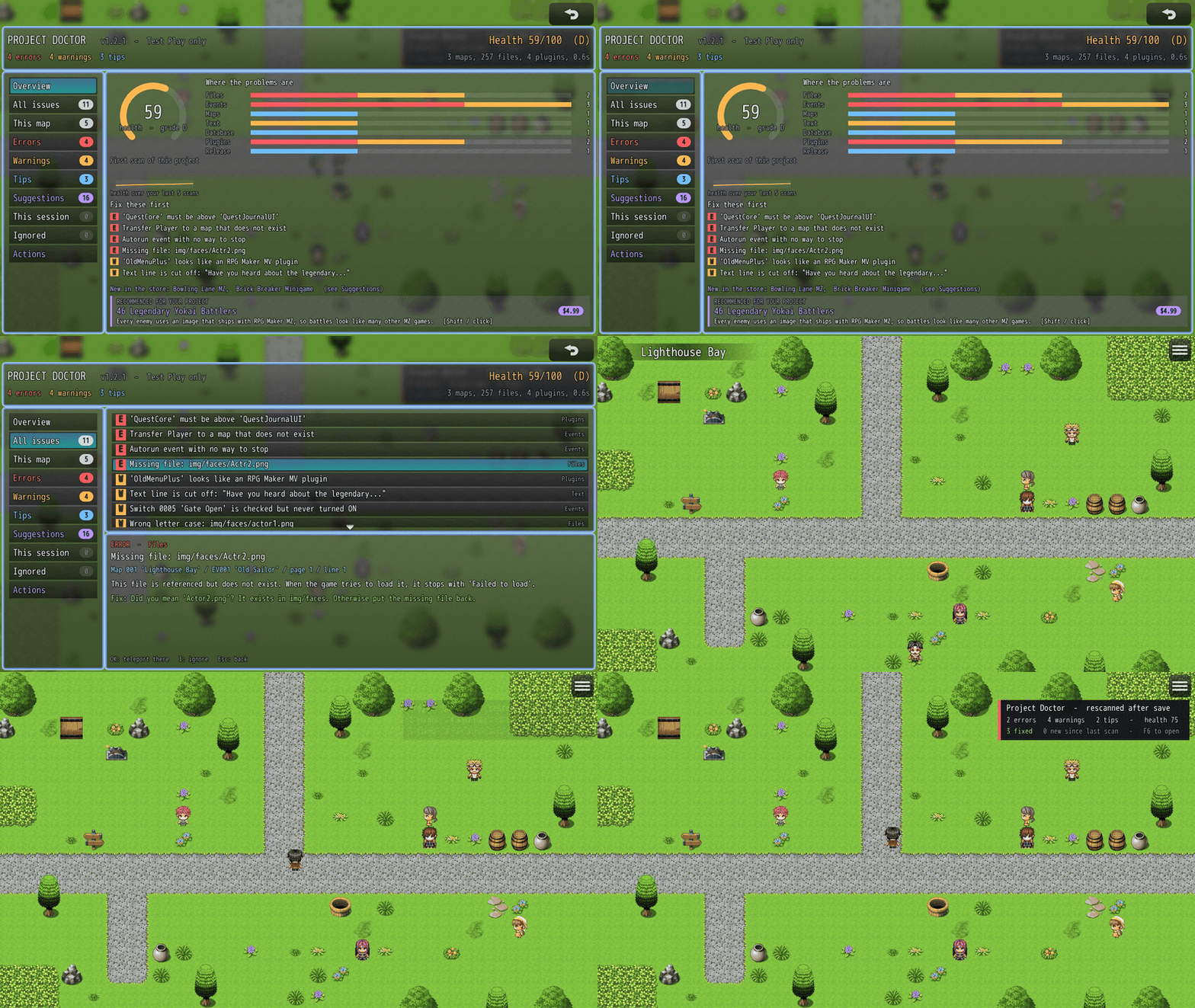
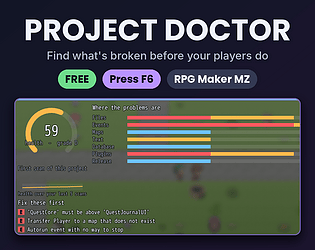
Find what's broken before your players do.
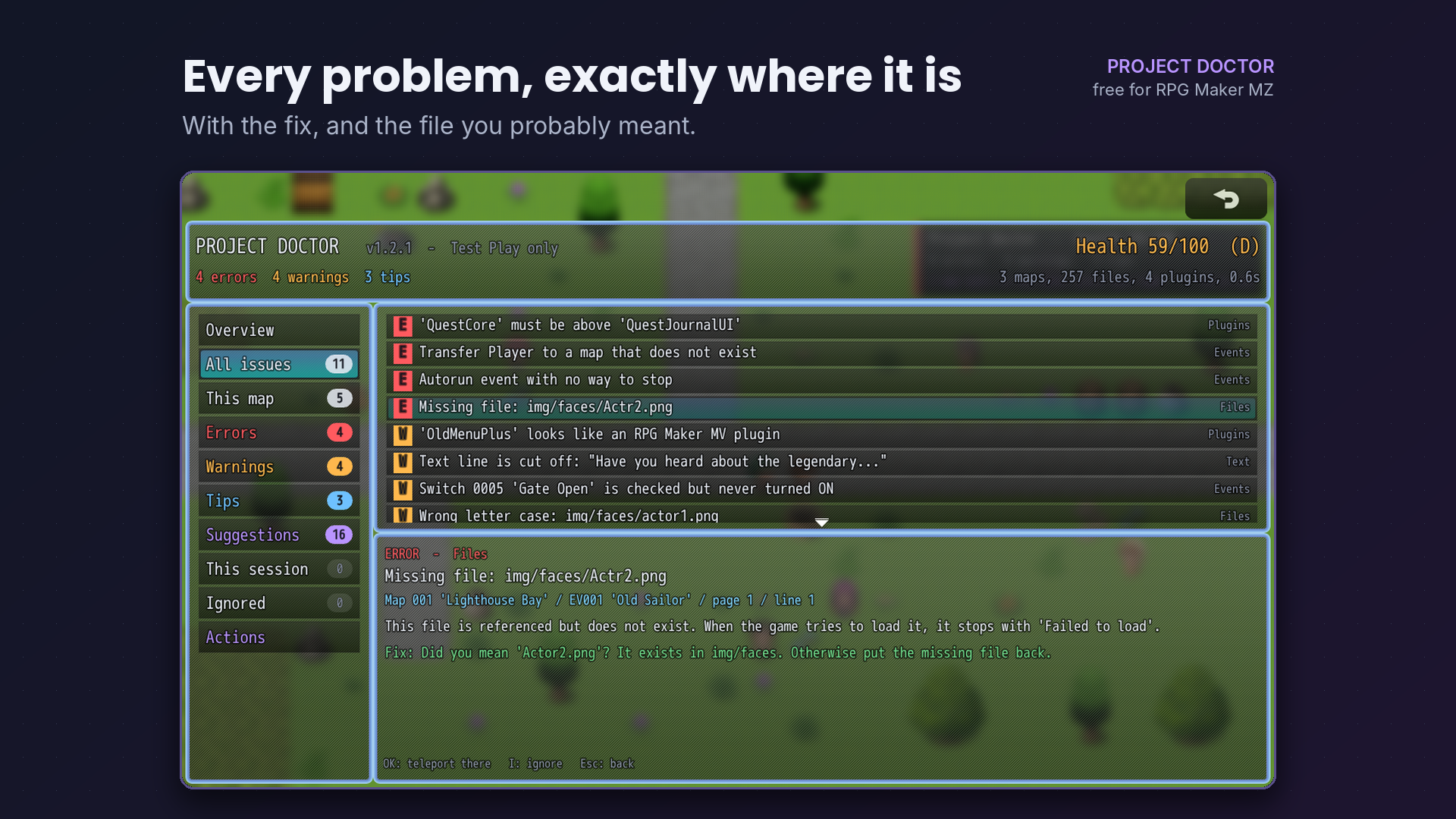
Project Doctor is a free RPG Maker MZ plugin that checks your whole project while you playtest. Press F6 and it lists every missing file, broken Transfer Player, plugin-order mistake, cut-off message and soft-lock it can find. Each problem shows exactly where it is (map, event, page and line) and how to fix it.
It never changes or deletes anything in your project.
Fix, save, watch your score climb
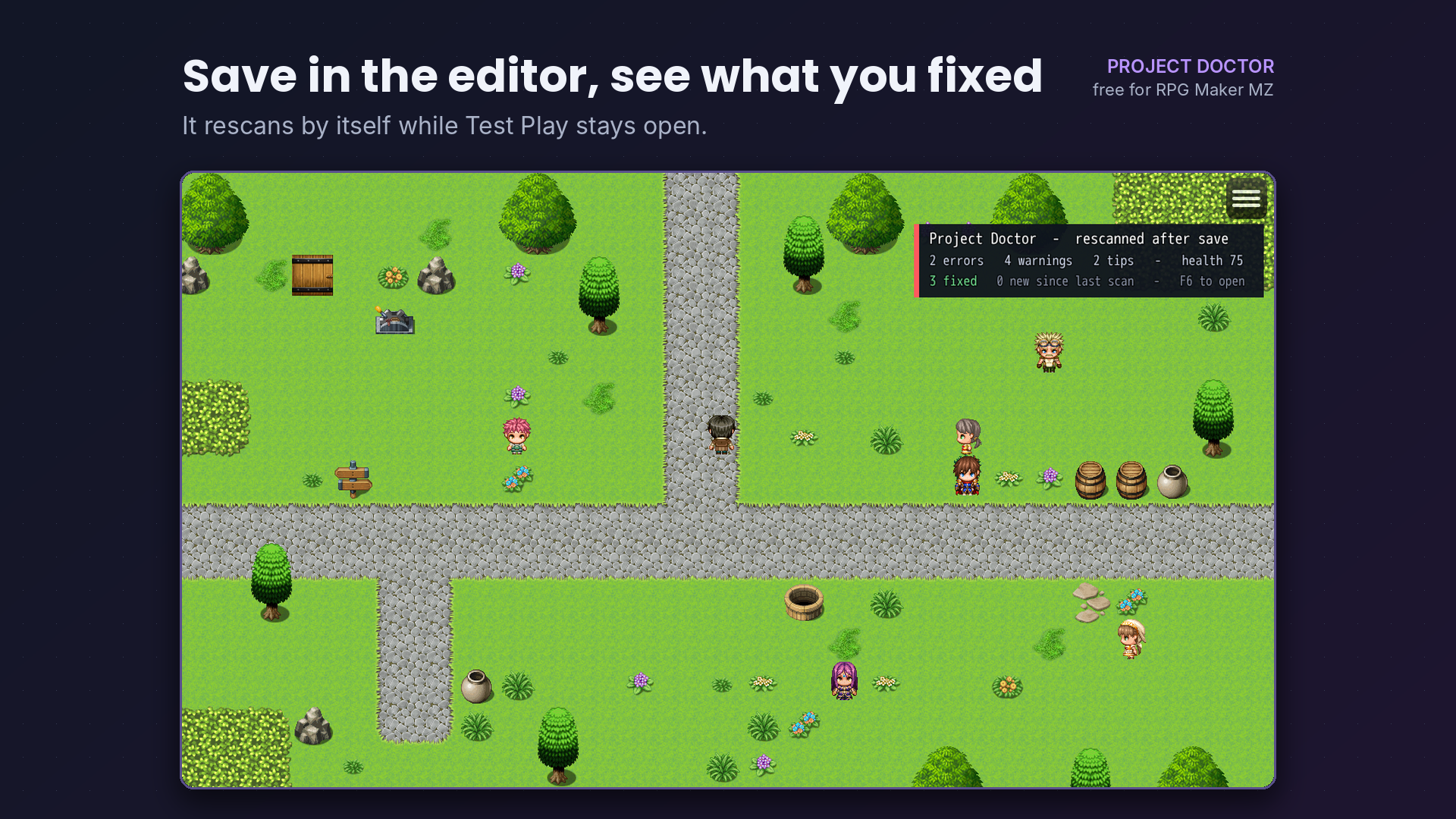
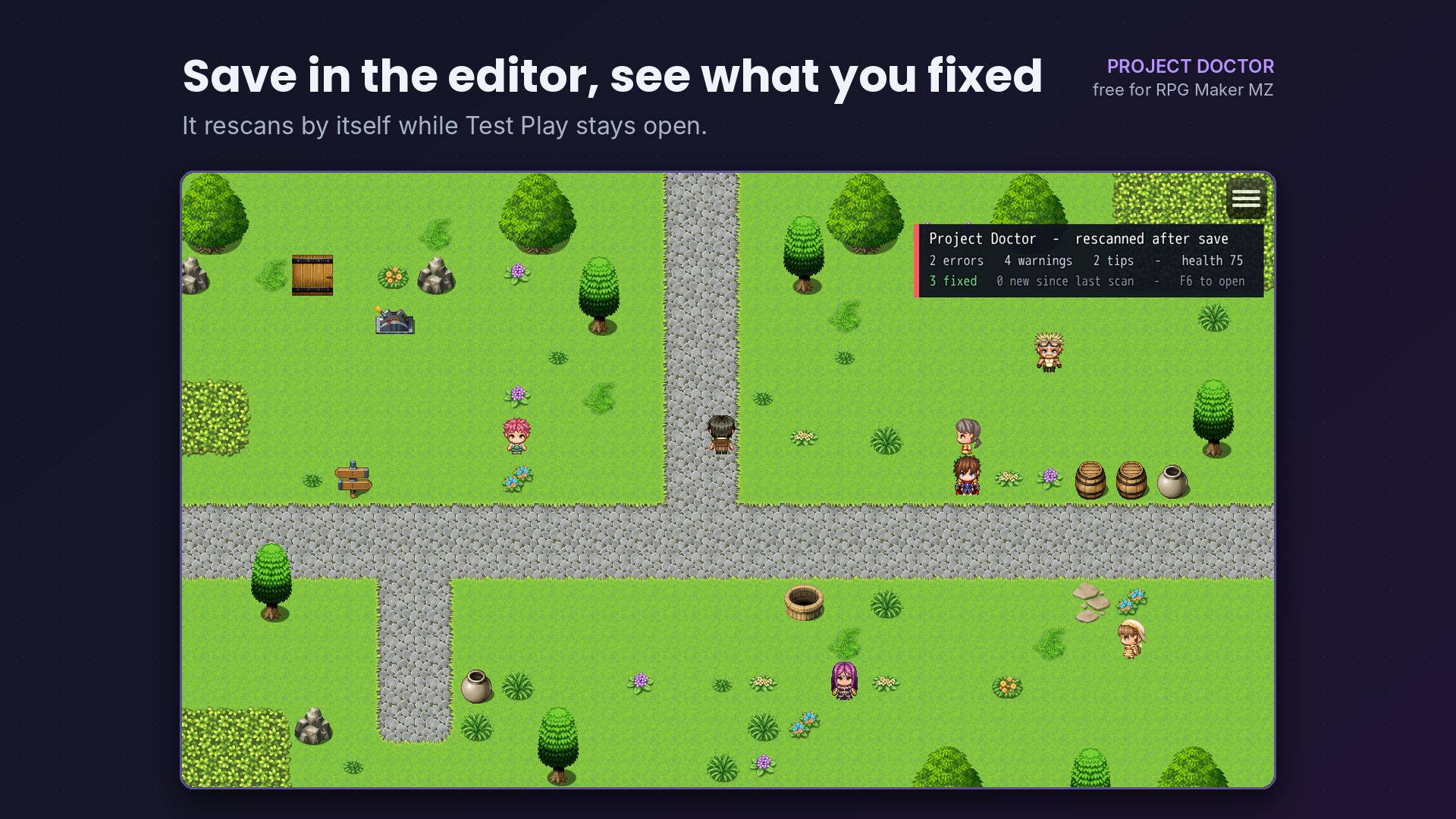
Keep Test Play open while you work. Every time you save in the editor, Project Doctor rescans by itself and tells you how many problems you just fixed. New problems get a NEW badge, so you notice them right away.
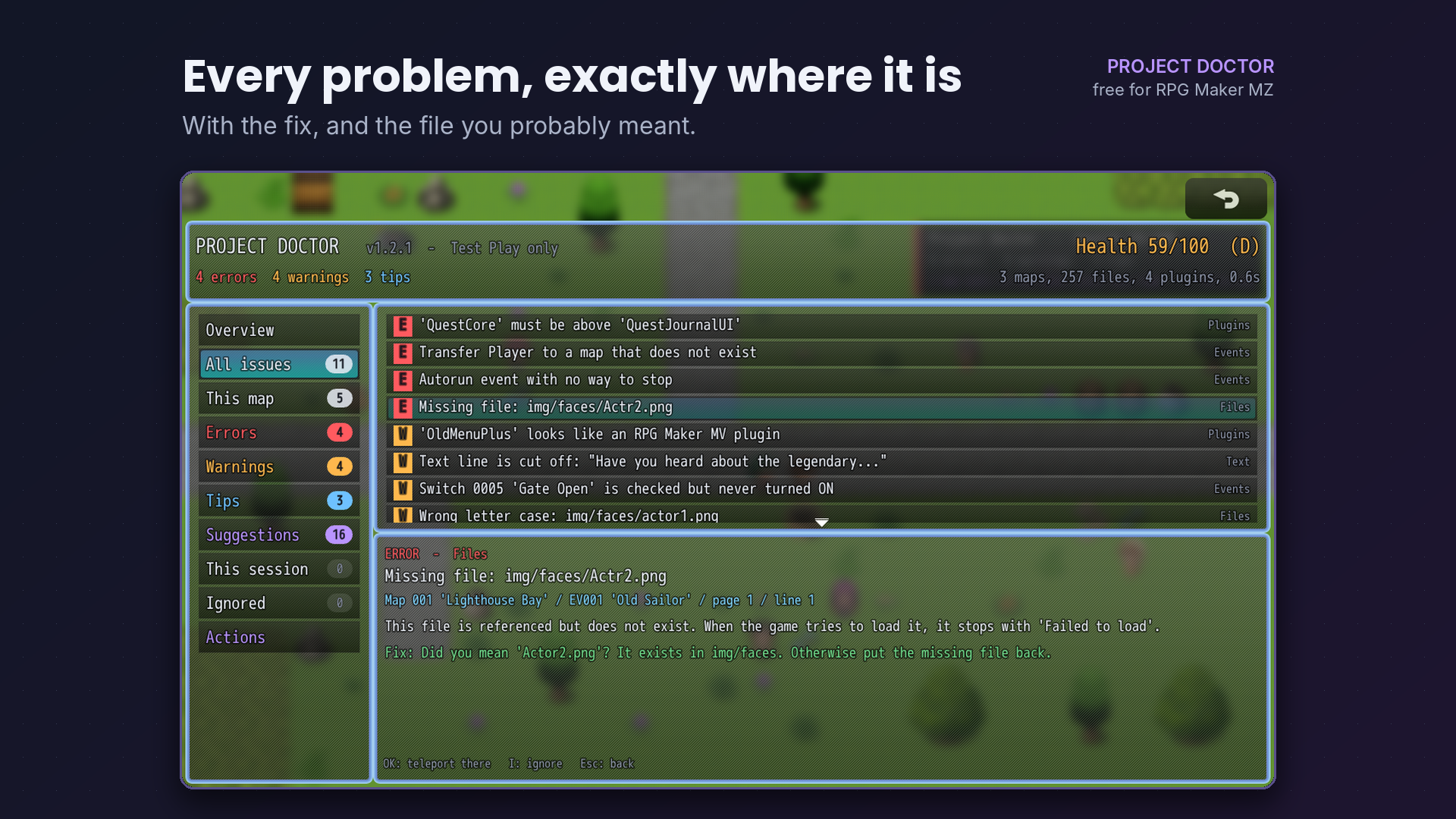
Jump straight to the problem
Select a problem on a map and press OK. The player is teleported next to the broken event, so you can test it right away. Problems with a file open that file's folder instead.
What it checks
- Files: every image, sound, movie and Effekseer file your database and events use. Wrong upper/lower case (fine on Windows, broken on web, Mac and phones). For a missing file it suggests the closest name: "Did you mean Actor2.png?"
- Events: Transfer Player to deleted maps, off the map or into a wall. Calls to missing or empty common events. Battles with missing troops. Autorun events that can never stop.
- Switches: pages that wait for a switch or self switch that nothing ever turns ON.
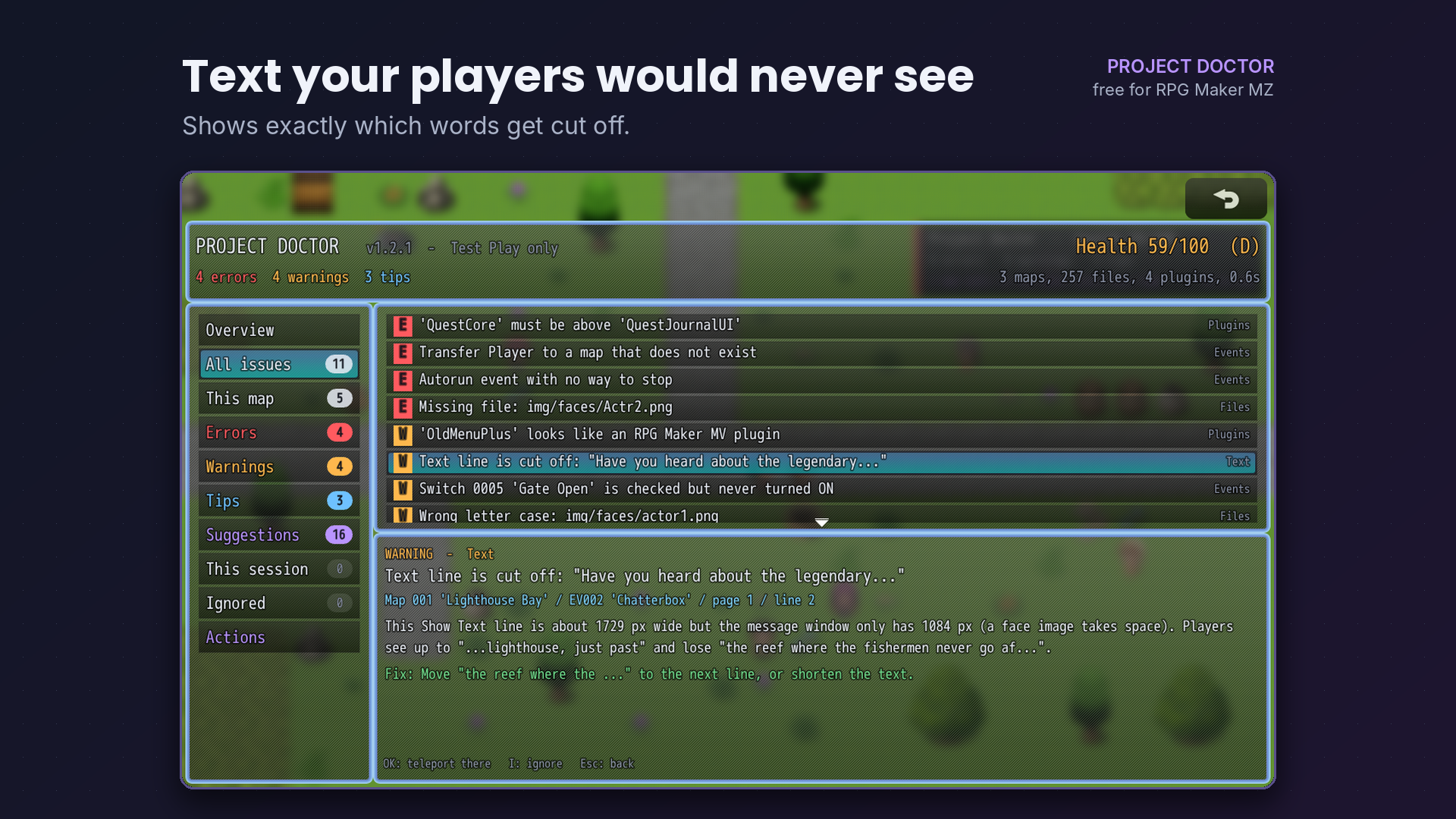
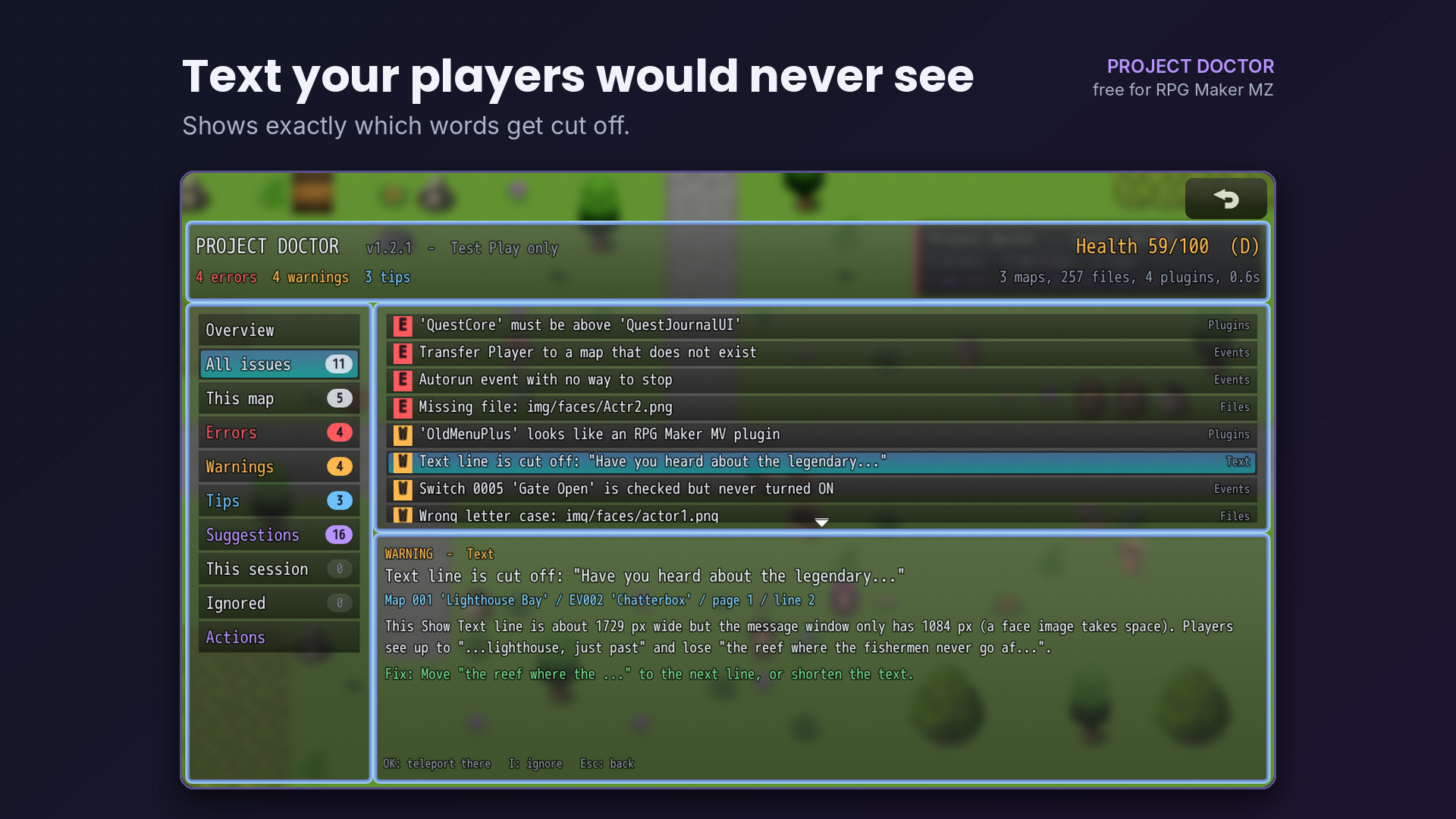
- Text: Show Text lines and choices too wide for their window, with the exact words players will lose.
- Database: missing actors, classes, skills, items and troops. States that can never be removed. Enemies with no rewards. Items with no icon.
- Plugins: @base and @orderAfter order rules, plugins enabled twice, VisuStella tier order, PluginCommonBase, and MV plugins hiding in an MZ project.
- Release: unused files and their total size, files only plugins use (risky with "Exclude unused files"), oversized images and audio.
- This session: script errors, failed loads and low-FPS maps while you play.
Made for real projects
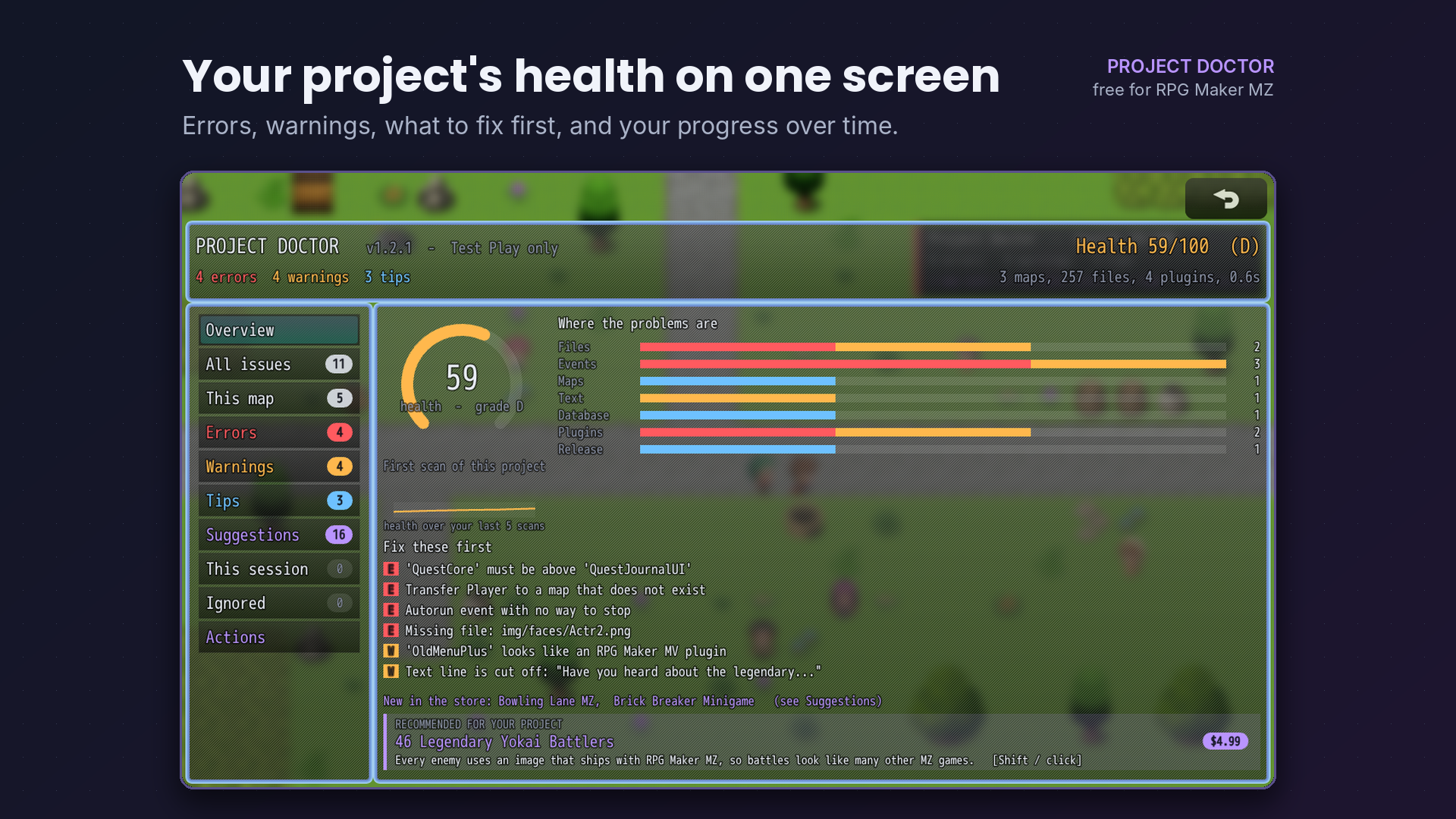
- Health score out of 100, with a history of your last 30 scans
- "Fix these first" list and a This map filter
- Ignore any finding with one key; it stays hidden
- Save a full report, or copy a short summary for a forum post when you ask for help
- Save a health badge image for your devlog
- Plugin authors can add their own checks with one line of code
Dev Tips (you can turn them off)
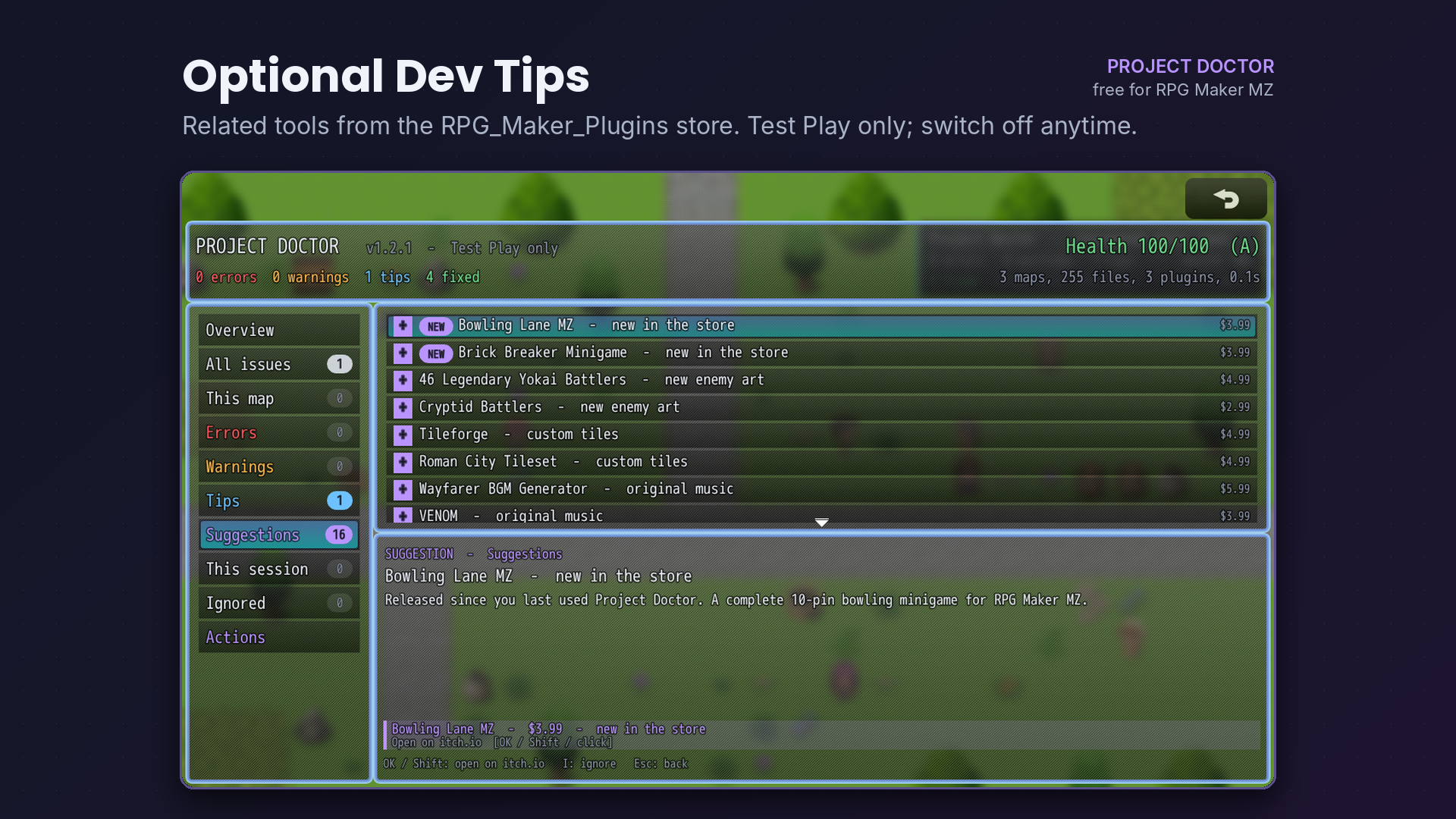
Some findings show a Dev Tip for a related tool from the RPG_Maker_Plugins store, for example a music generator when your maps use only the default soundtrack. Dev Tips appear only inside Project Doctor during Test Play, never to your players. To keep them current, Test Play reads the store's public product list (a static file on GitHub) at most twice a day; nothing about you or your project is sent. Turn Dev Tips off with one plugin parameter.
Install
- Copy RMP_ProjectDoctor.js into js/plugins.
- Add it in the Plugin Manager and put it at the bottom of the list.
- Start Test Play and press F6.
When the game is not started from Test Play, the plugin does nothing at all, so you can leave it on when you deploy.
FAQ
Is it really free? Yes, for commercial and non-commercial games. Credit is welcome but not required.
Will my players see it? No. Outside Test Play it switches itself off completely.
Does it change my files? Never. It only reads your project. The report and badge are saved as new files when you ask.
Does it work with VisuStella and other plugins? It reads plugin order rules and skips the text-width check when a word-wrap plugin is on. Put it at the bottom of the list.
What does "look unused" mean? Nothing in your data, plugins or scripts mentions the file. Plugins that build file names from pieces of text can still use such files, so check before deleting.
Which MZ version? Tested on the MZ 1.7.0 engine scripts.
Terms: free to use in any project; do not resell the plugin by itself. Made with AI assistance.
More free and paid tools, minigames, music generators and asset packs: rpg-maker-plugins.itch.io


Reviews
There are no reviews yet.